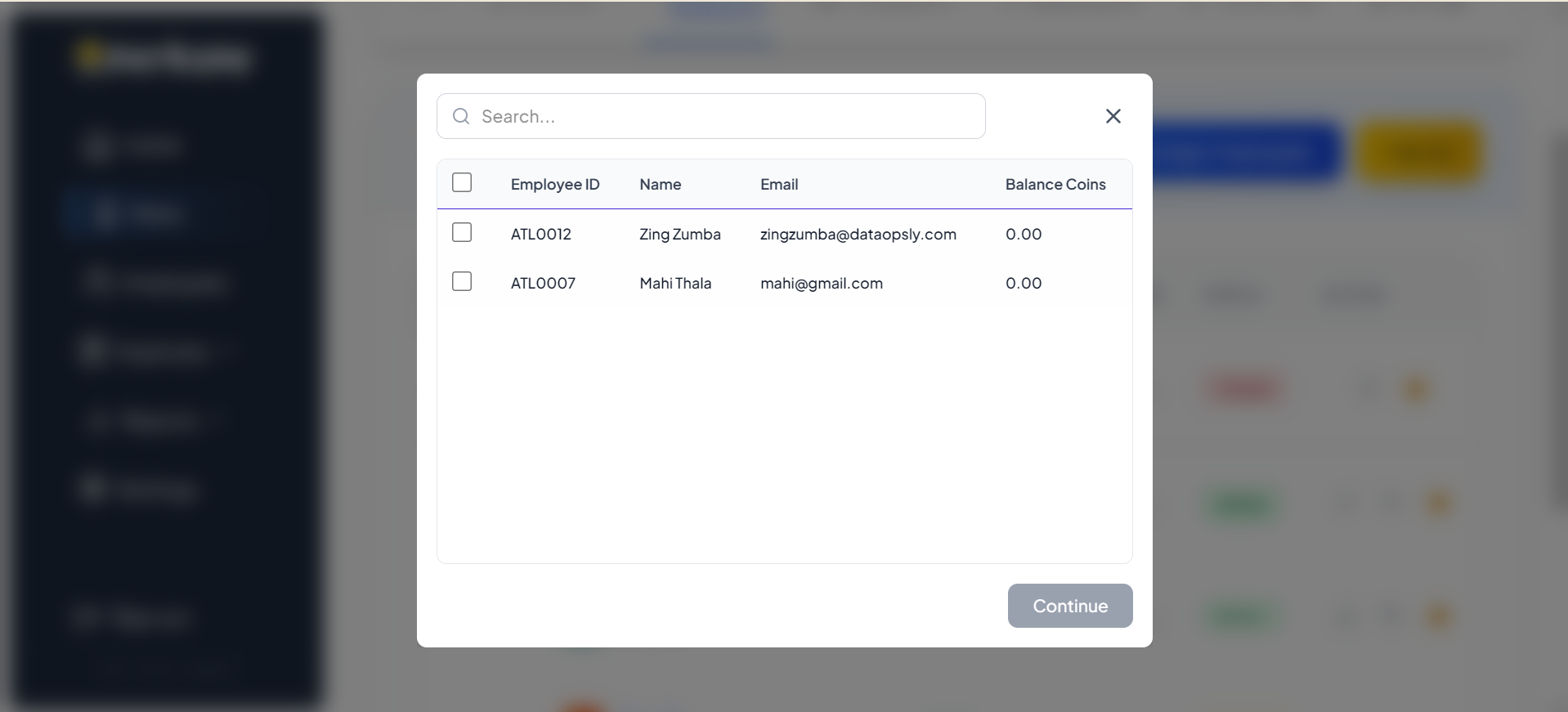
Managing User Perks
The User Perks section in the Admin Dashboard allows you to view and manage the specific perks assigned to individual employees. From here, you can track perk balances, view status histories, check coin transactions, and manage the active status of perks.
Navigate to the User Perks tab to view a list of all perks assigned to an employee.
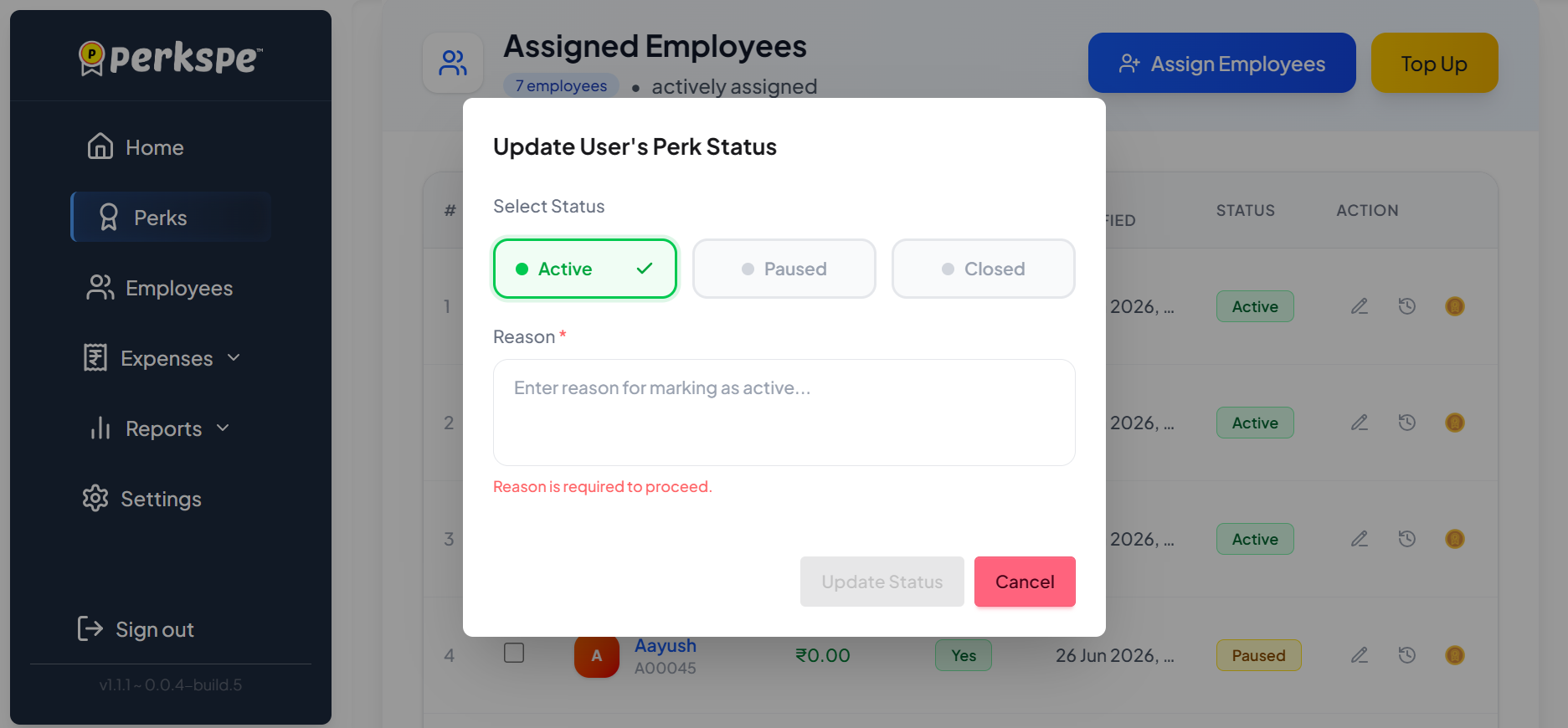
You can update the status of a user's perk (e.g., Active, Paused, Closed) directly from their perk details page.
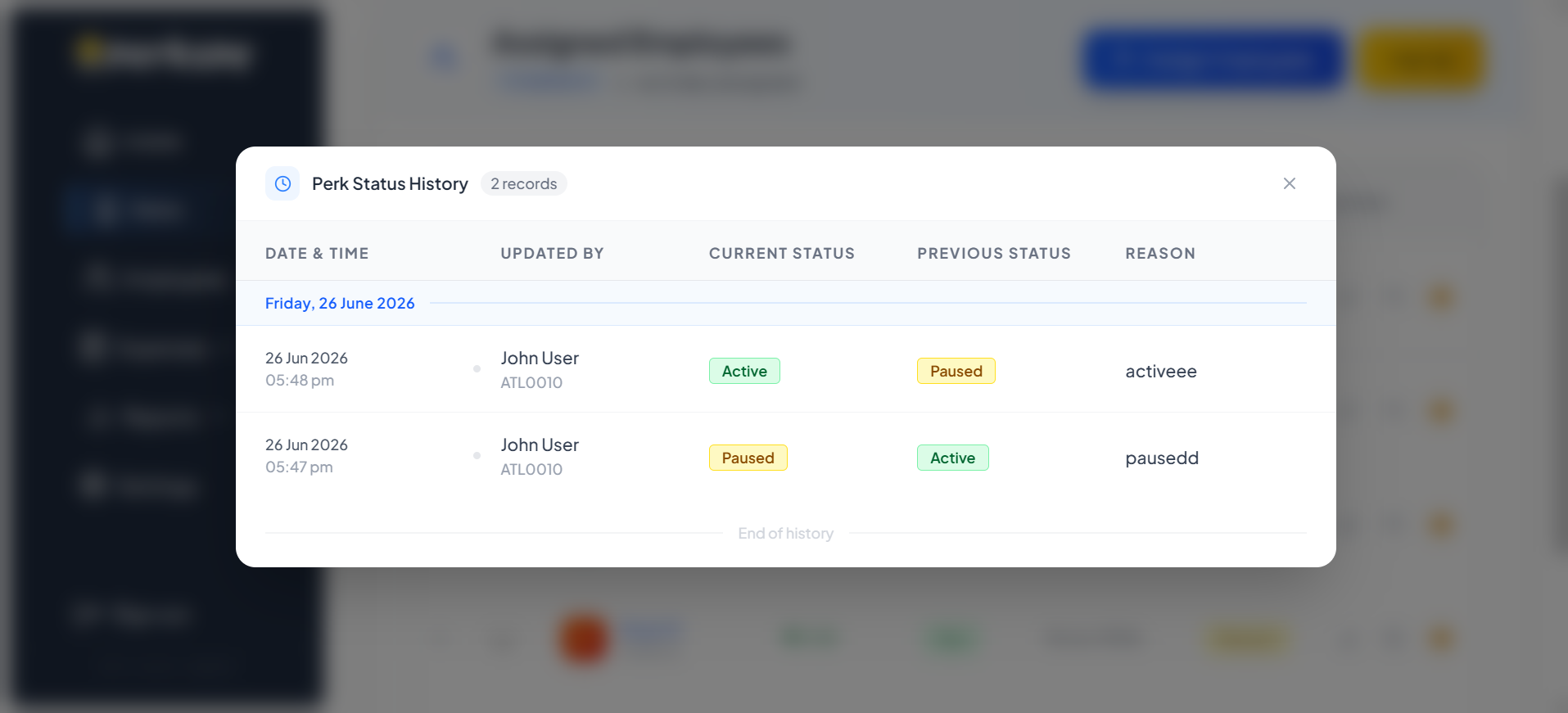
To audit changes, you can view the complete Perk Status History which records when a perk's status was changed and by whom.
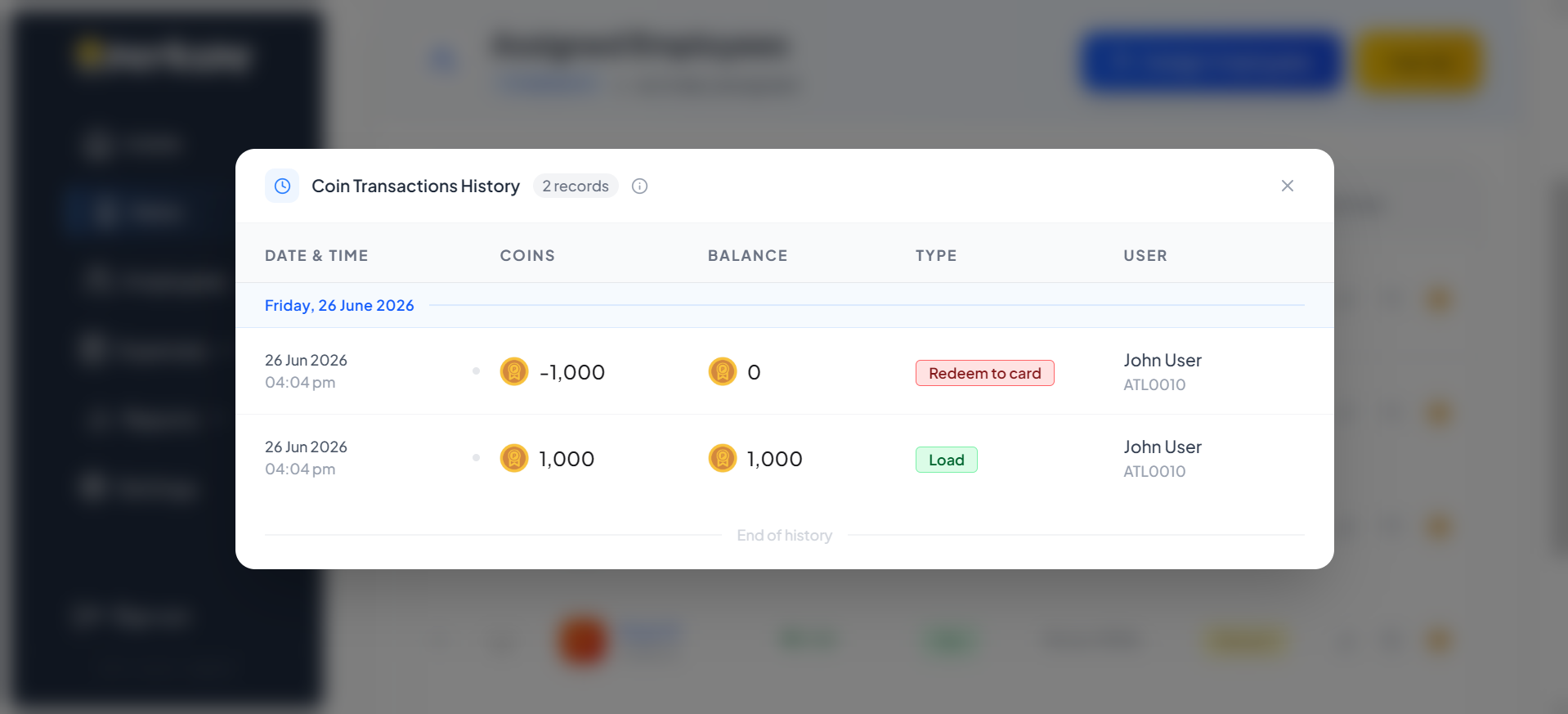
To audit an employee's perk usage, navigate to their Coin Transaction History. Here, you can filter by date and see every credit, debit, or redemption for that perk.
If an employee is no longer eligible for a specific perk, you can definitively close their perk status.
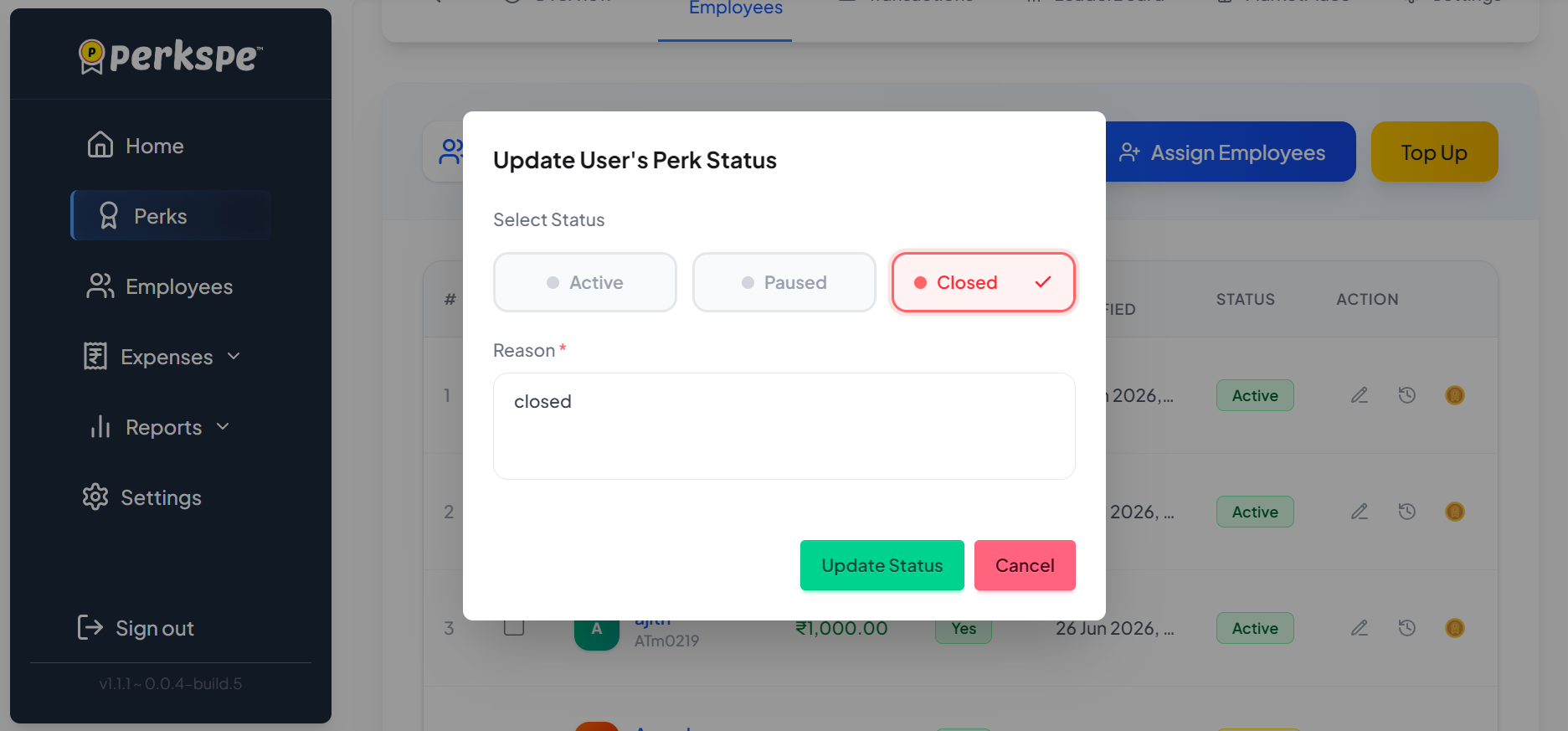
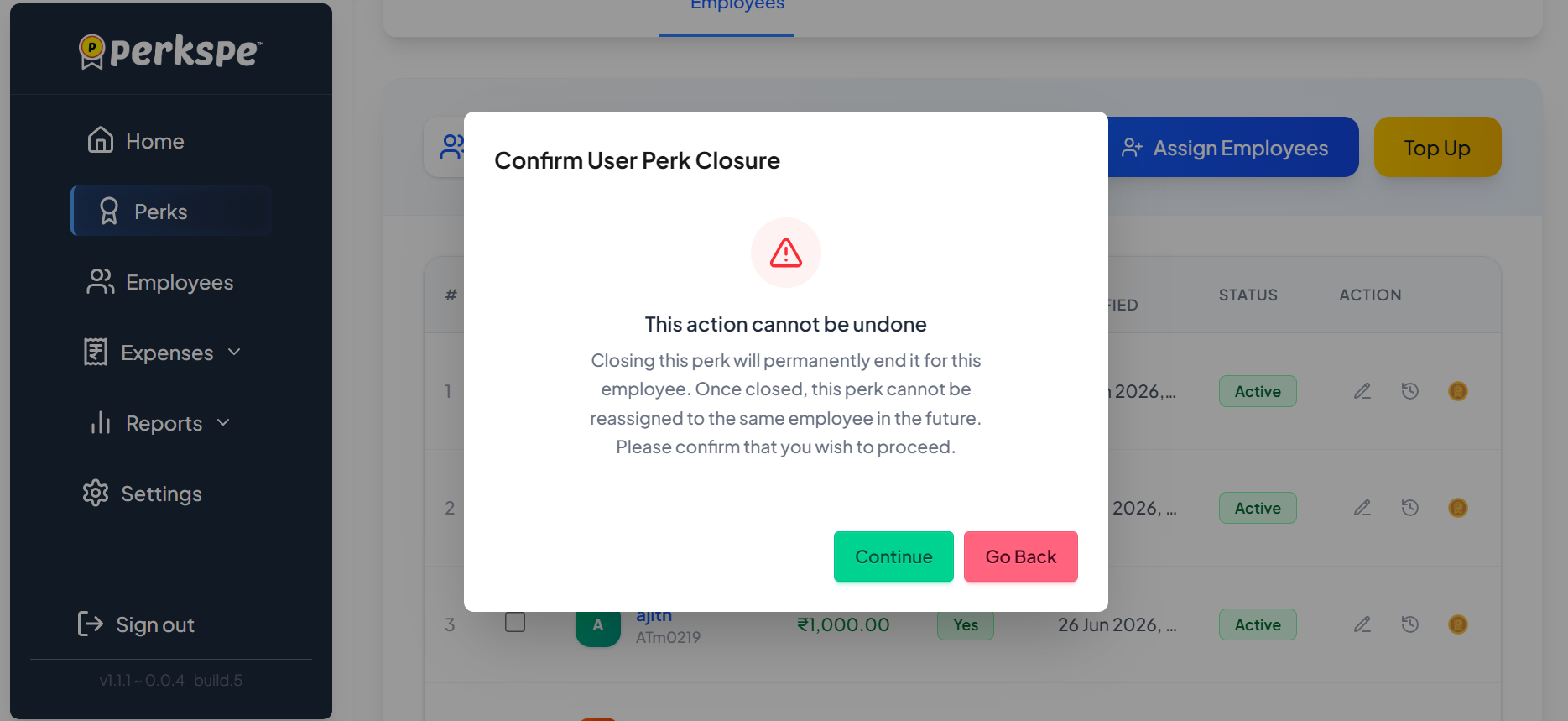
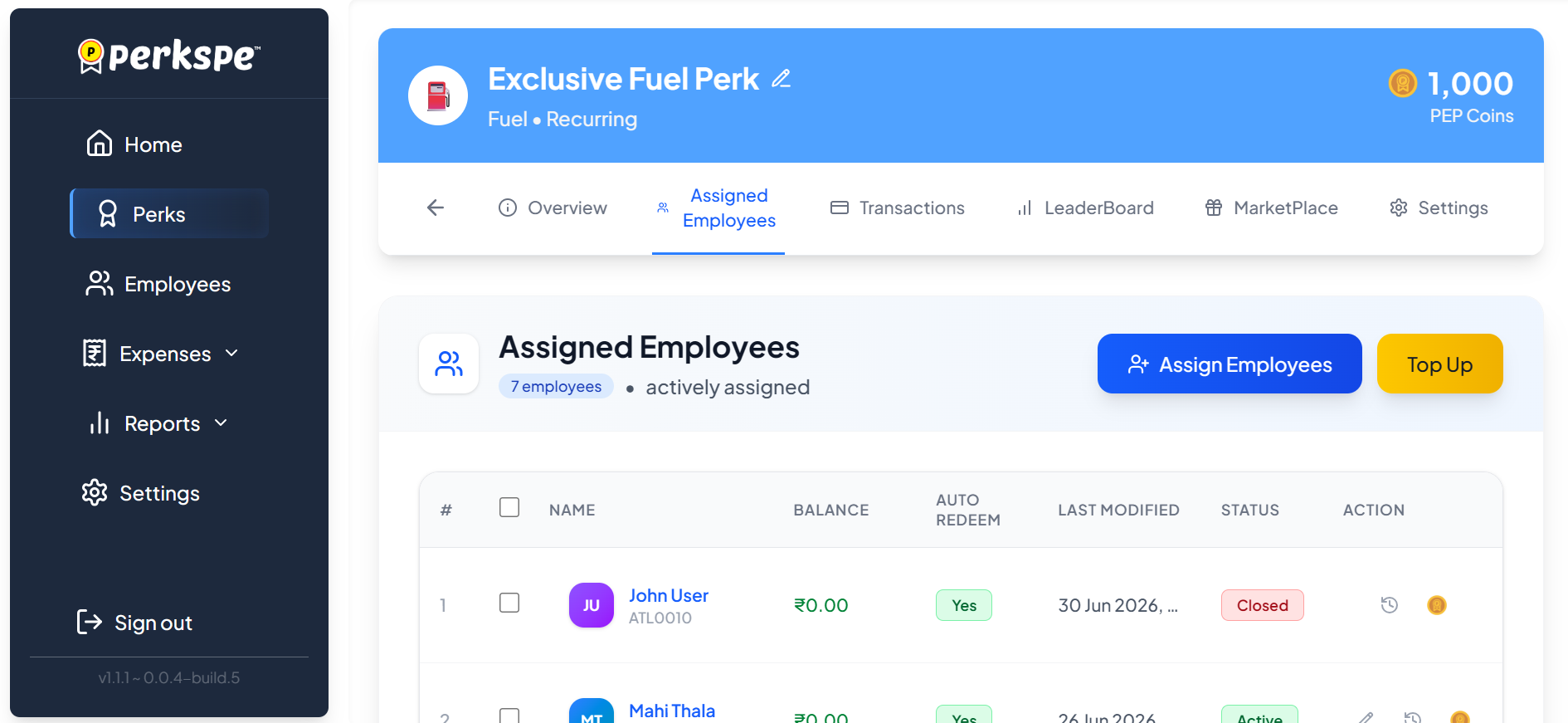
After closing a perk for a user, their name will not show up in the top-up balance selection, as they are no longer eligible to receive top-ups for that perk.