PerksPe Cards Management
Manage your company-issued cards for business spending and perks directly from the mobile app. This guide covers how to track spending, manage security settings, and handle card replacements.

PerksPe cards are dedicated corporate cards issued for business-related expenses and employee perks. Unlike personal cards, these are subject to company policies and predefined spending categories.
Policy Driven
Transactions are restricted by category and company-set limits.
Real-time Monitoring
Every transaction is verified against rules instantly.
Secure Control
Easily lock, block, or replace cards through the app.
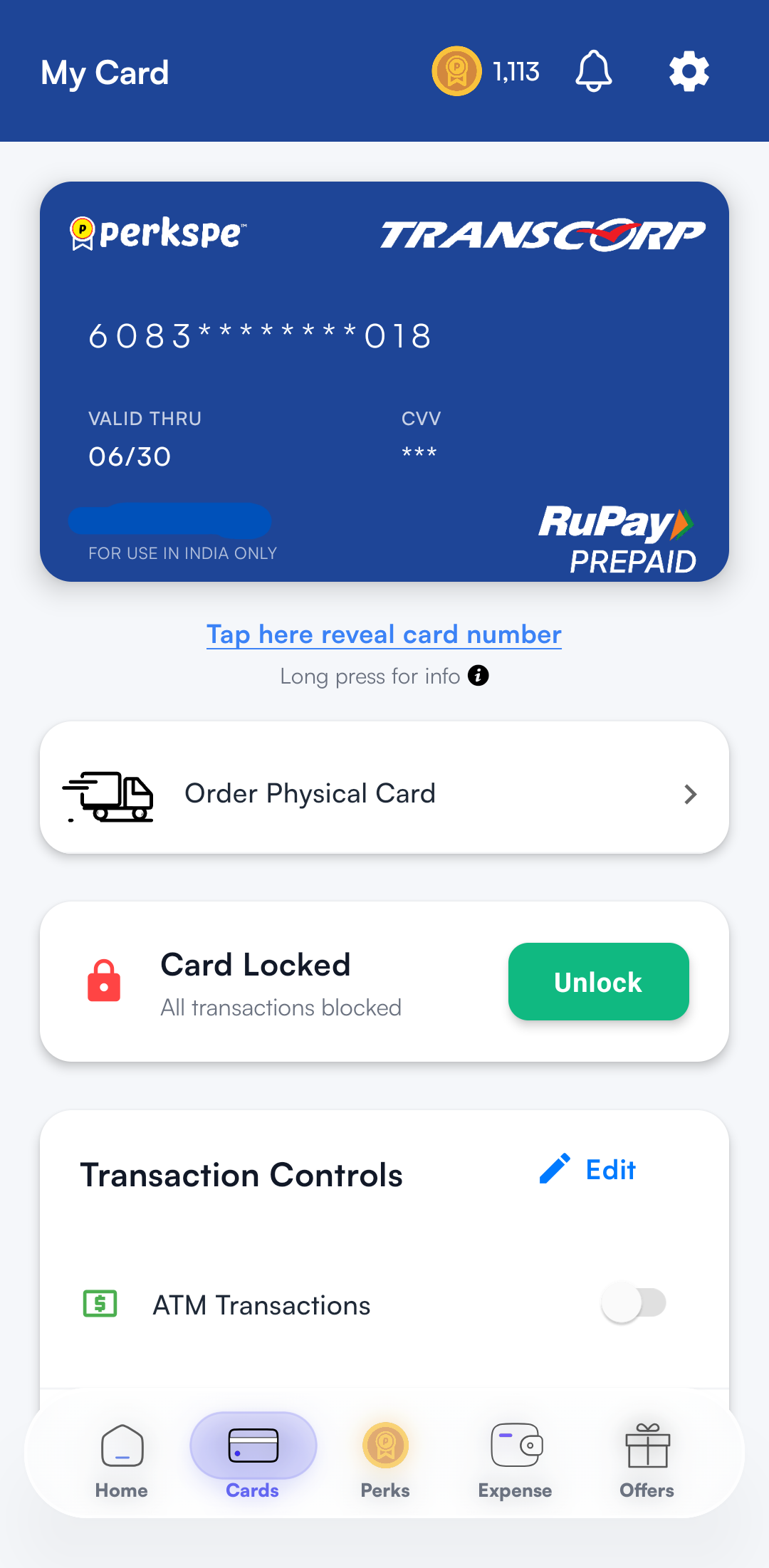
2. Viewing Your Card Details
Access your digital card and management options through the dedicated Cards section.
3. Spending Limits & Controls
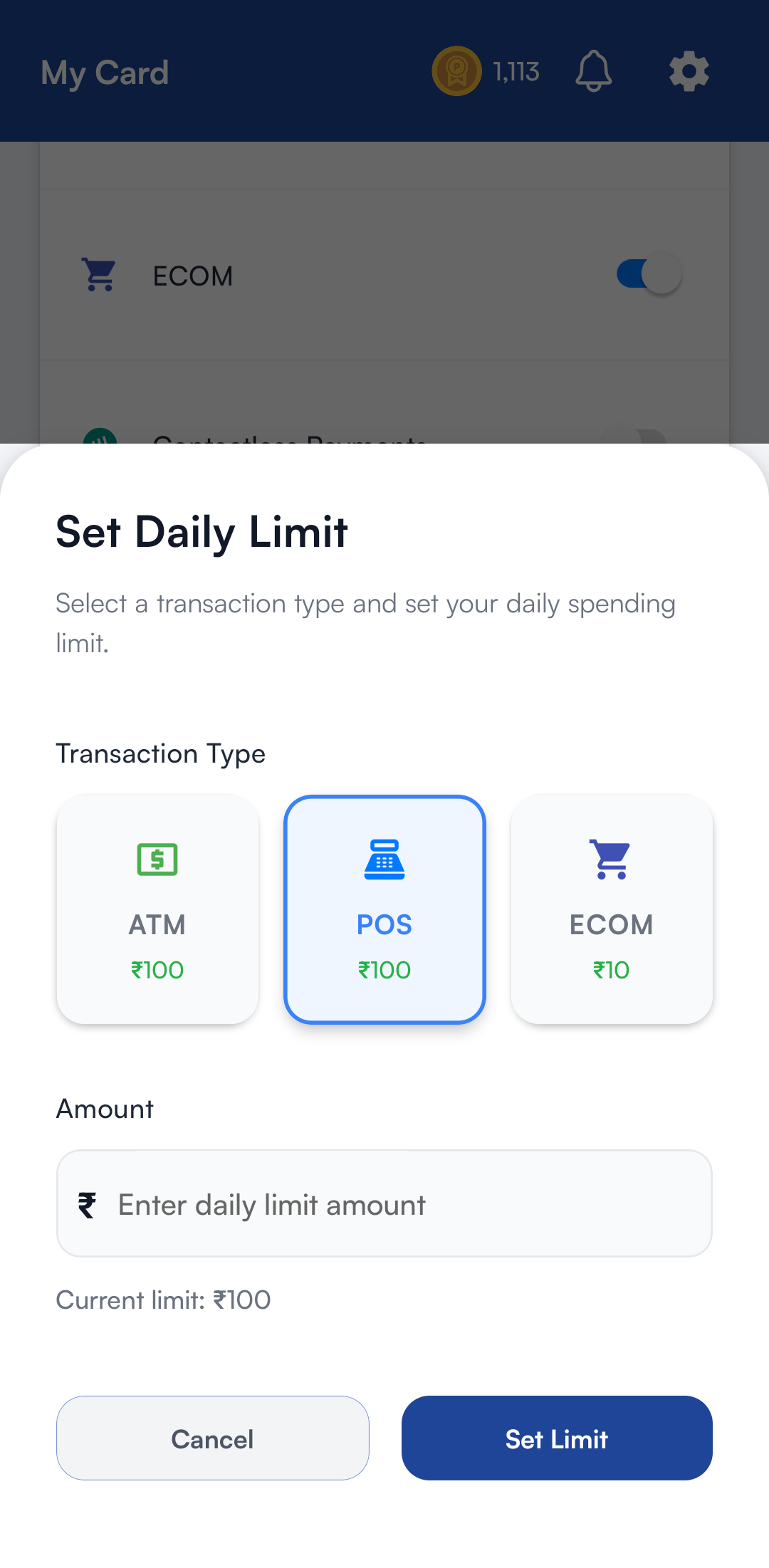
Control how your RuPay card can be used by enabling or disabling different transaction channels and setting spending limits for each.
You can configure limits for:
- ATM Transactions
- POS (Card Swipe) Transactions
- E-commerce Transactions
If a transaction type is disabled, transactions through that channel will be declined even if a spending limit is configured. If it is enabled, transactions are permitted up to the configured limit, subject to your available wallet balance and applicable card rules.
ATM transactions can be enabled only after successfully completing Full KYC (VKYC).
4. Managing Your Card Security
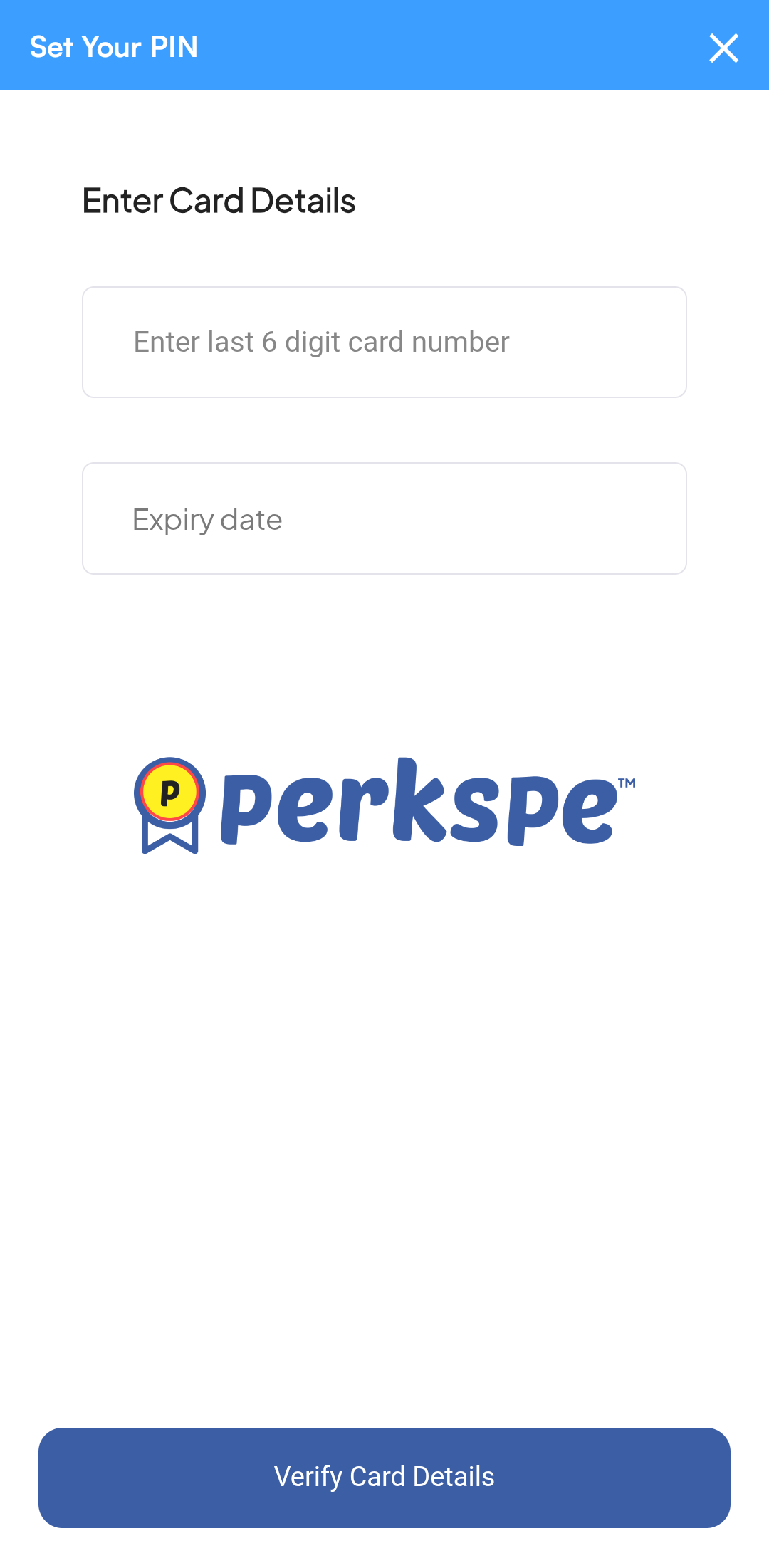
Keep your card secure by managing your PIN and using temporary or permanent disable options.
Changing Your PIN
- Navigate to the Cards page.
- Select your active card.
- Tap on Change PIN.
- Follow the prompts to set a new 4-digit PIN.
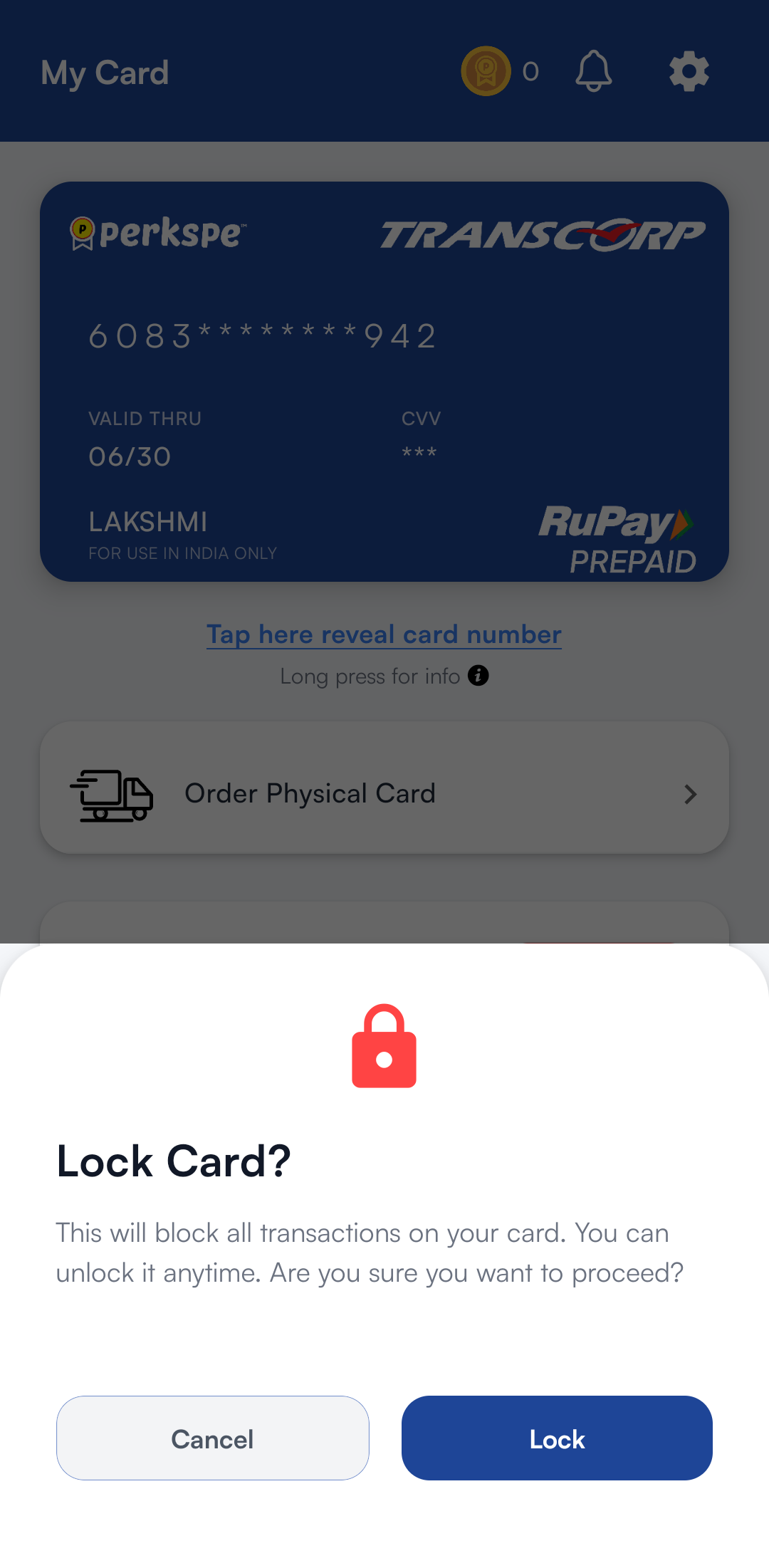
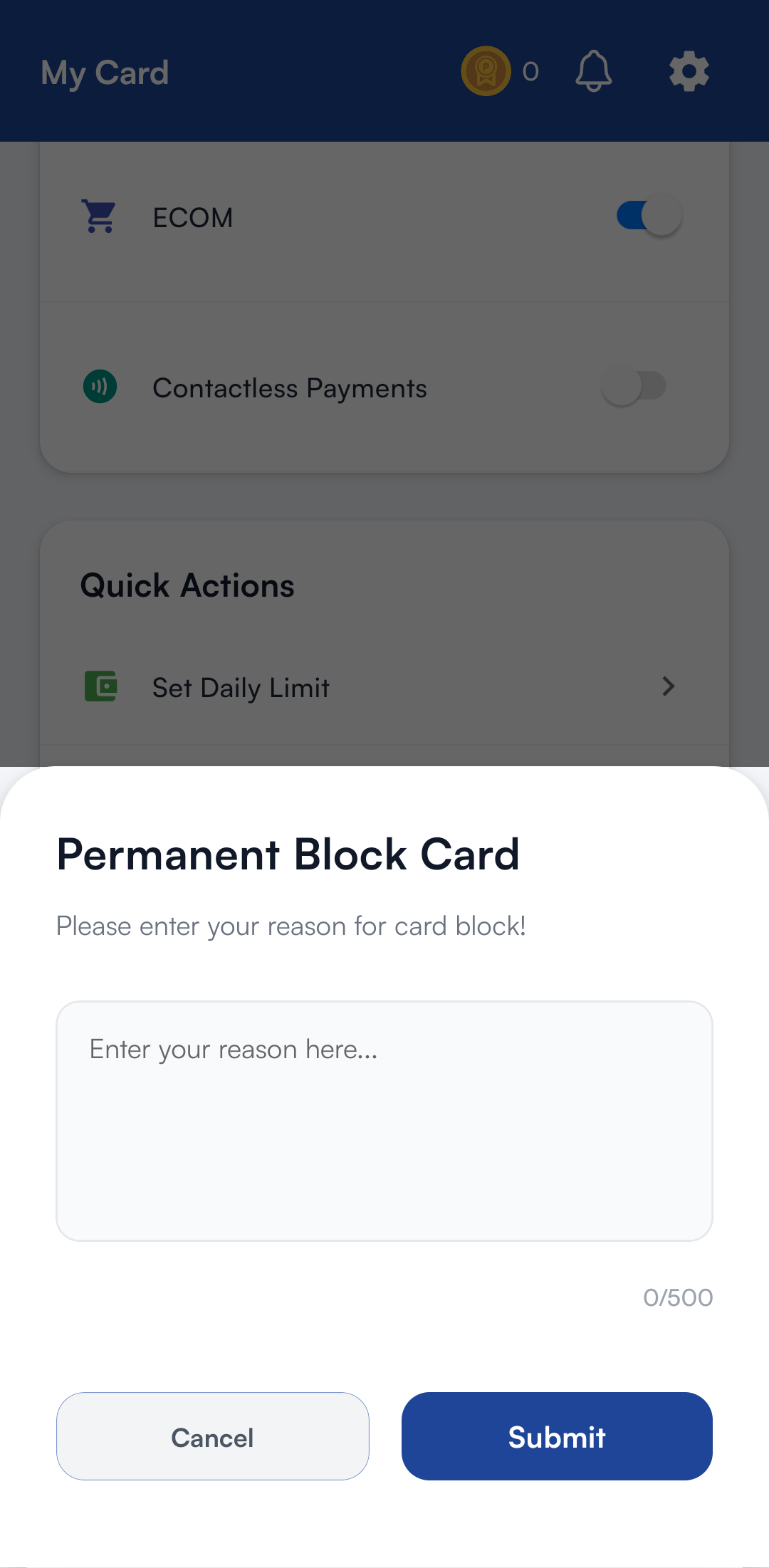
Lock vs. Block: What's the difference?
Lock Card (Temporary)
Use when card is misplaced. Can be instantly unlocked later.
Block Card (Permanent)
Use for stolen or lost cards. This action cannot be reversed.
Replacing Your Card
If your card is damaged, lost, or stolen, request a replacement:
- Go to the Cards section.
- Tap Replace Card.
- Choose the reason (Lost/Stolen/Damaged).
- Confirm the request.
Once a replacement is requested, the old card will be blocked automatically and cannot be reactivated.
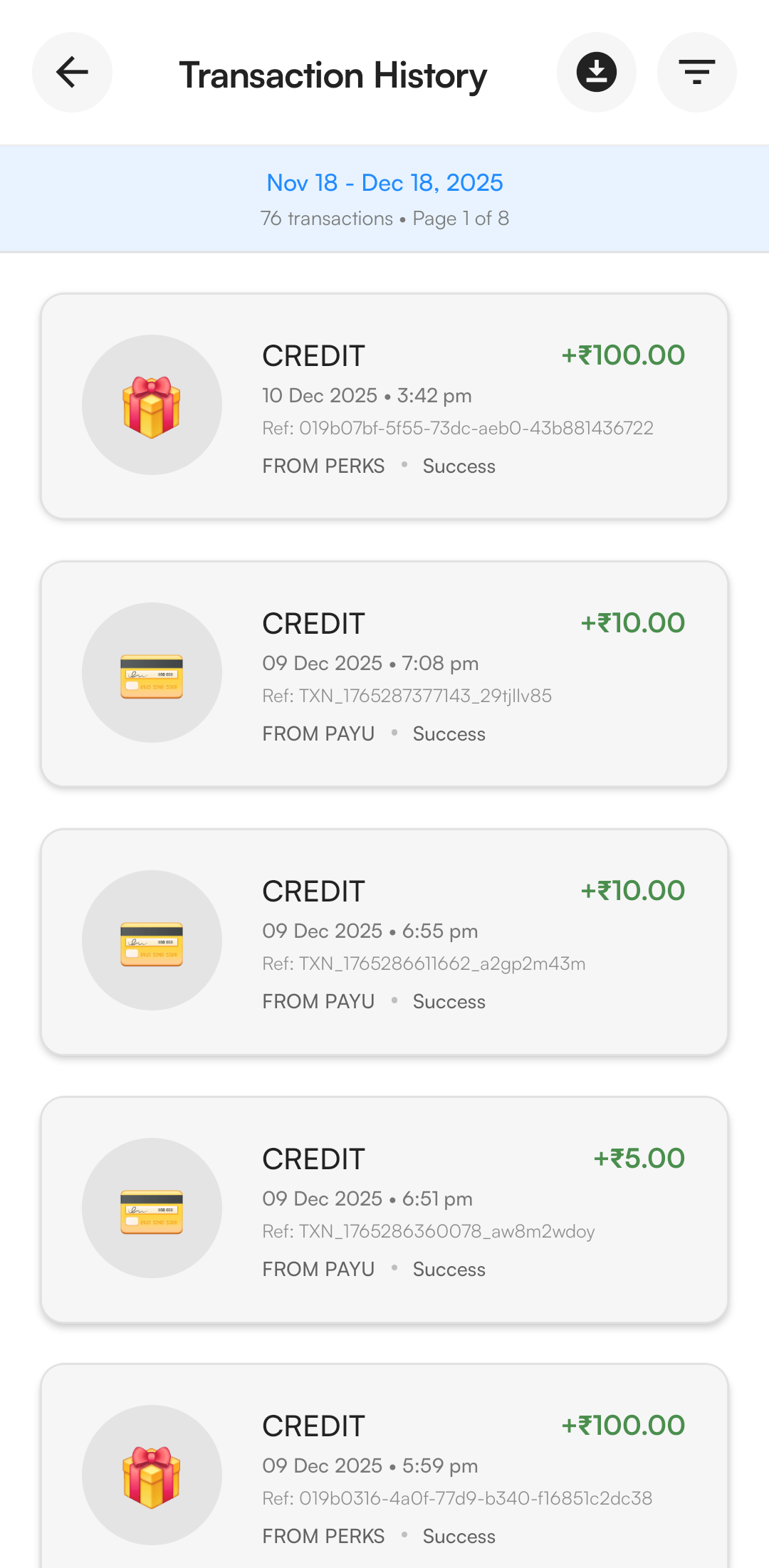
5. Transaction History
Track every rupee spent with a detailed audit trail of your card activity.