Login
Log In
- The Perkspe login page offers multiple methods for users to access their accounts:
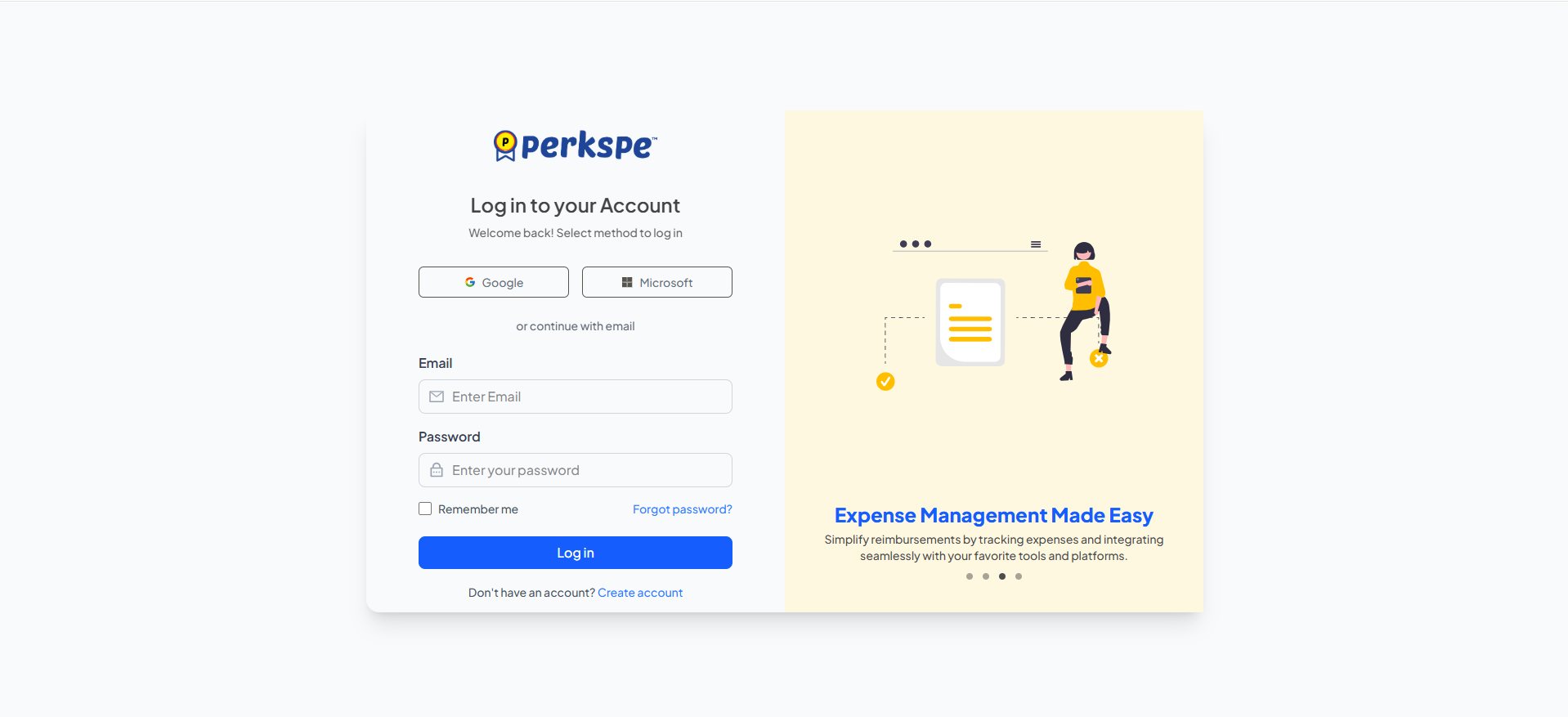
a. Single Sign-On: Users can log in with their Google account.(Coming soon)
b. Email and Password: Users can enter their email and password to log in.
c. For new users, there is a "Create Account" link.
Resetting a Forgotten Password
- If a user forgets their password, they can reset it by following these steps:
Initiate Reset
- On the login page, click the "Forgot password?" link.
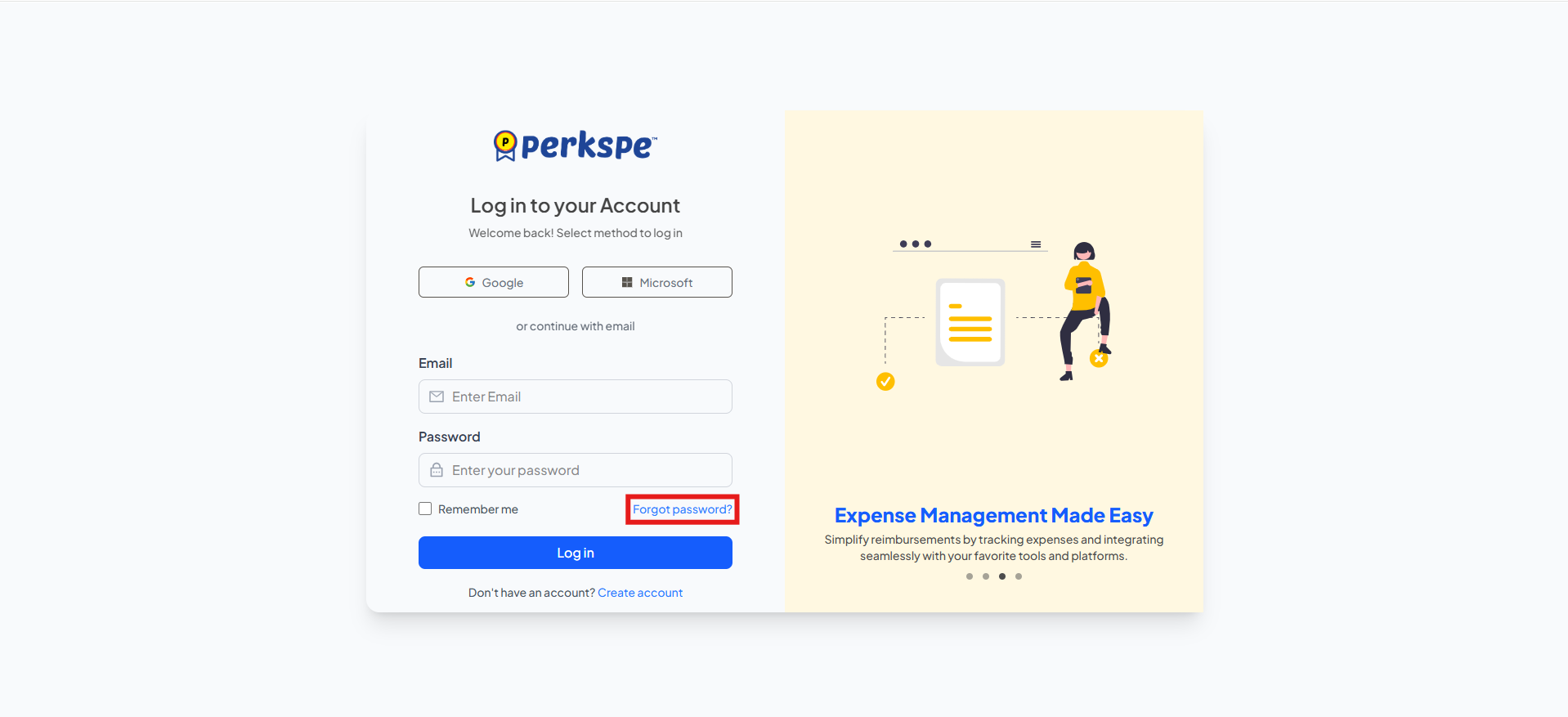
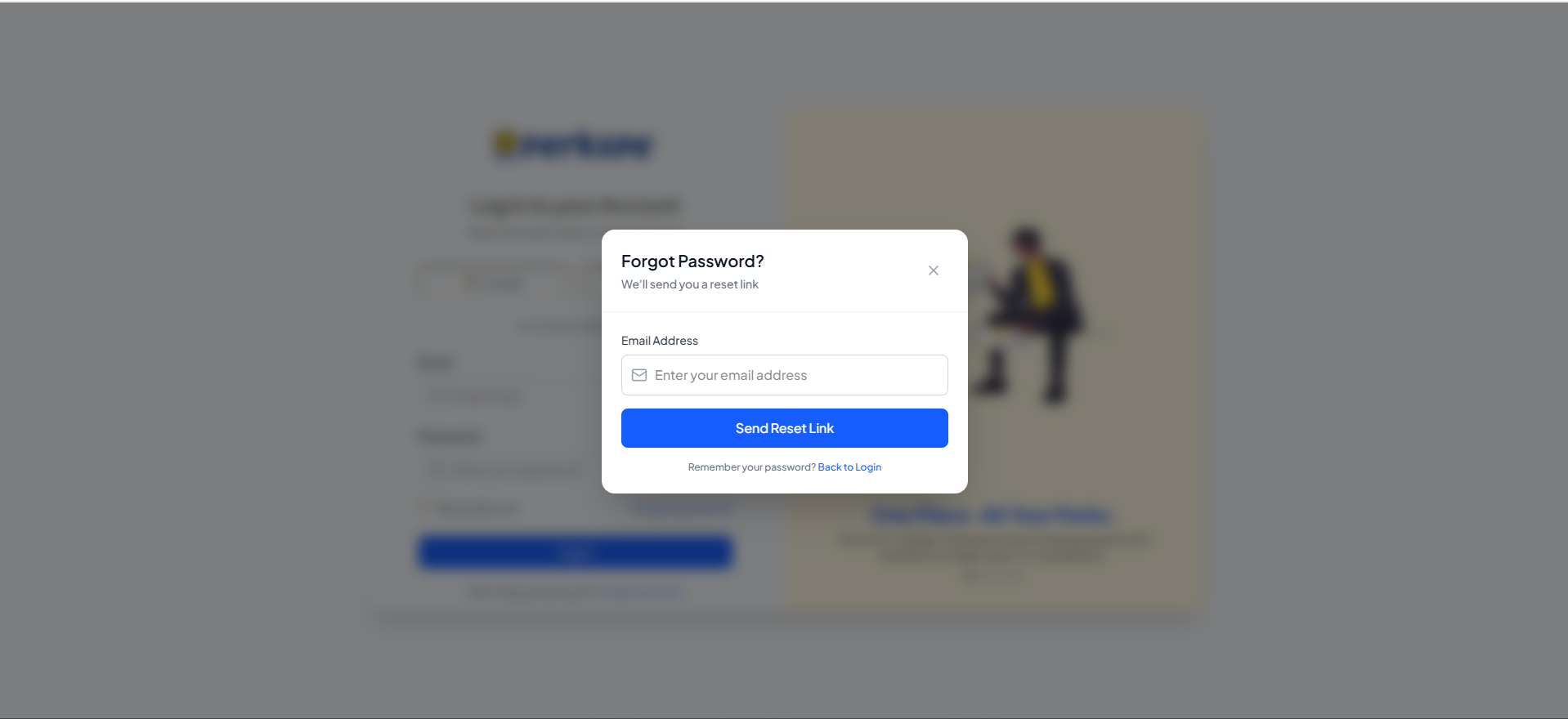
- A "Forgot Password?" pop-up will appear with the message, "We'll send you a reset link".
Request Reset Link
-
Enter your registered email address into the provided field.
-
Click the "Send reset link" button.
-
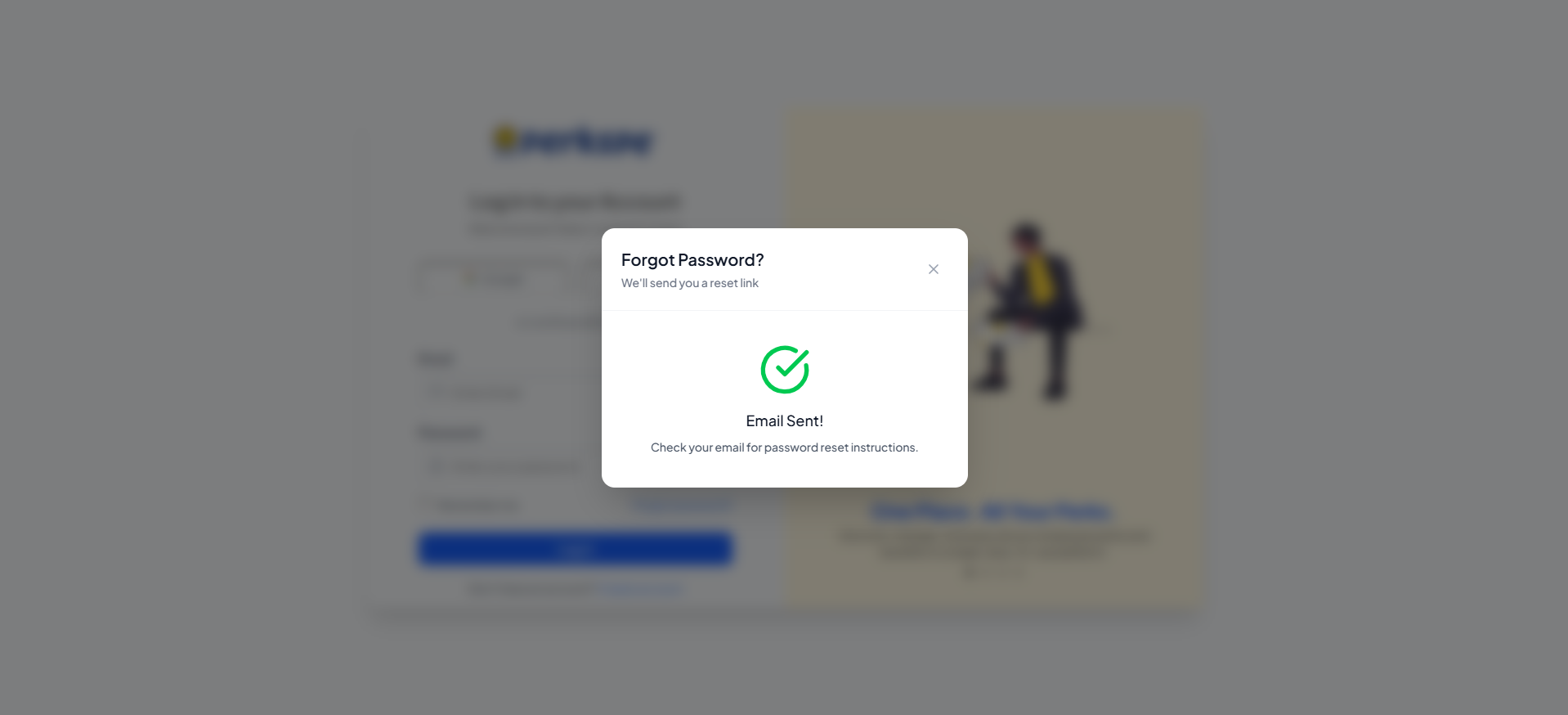
A confirmation message will appear stating, "Email Sent! Check your email for password reset instructions".
Set New Password
- After clicking the link in the email, you will be taken to the "Reset Password" page.
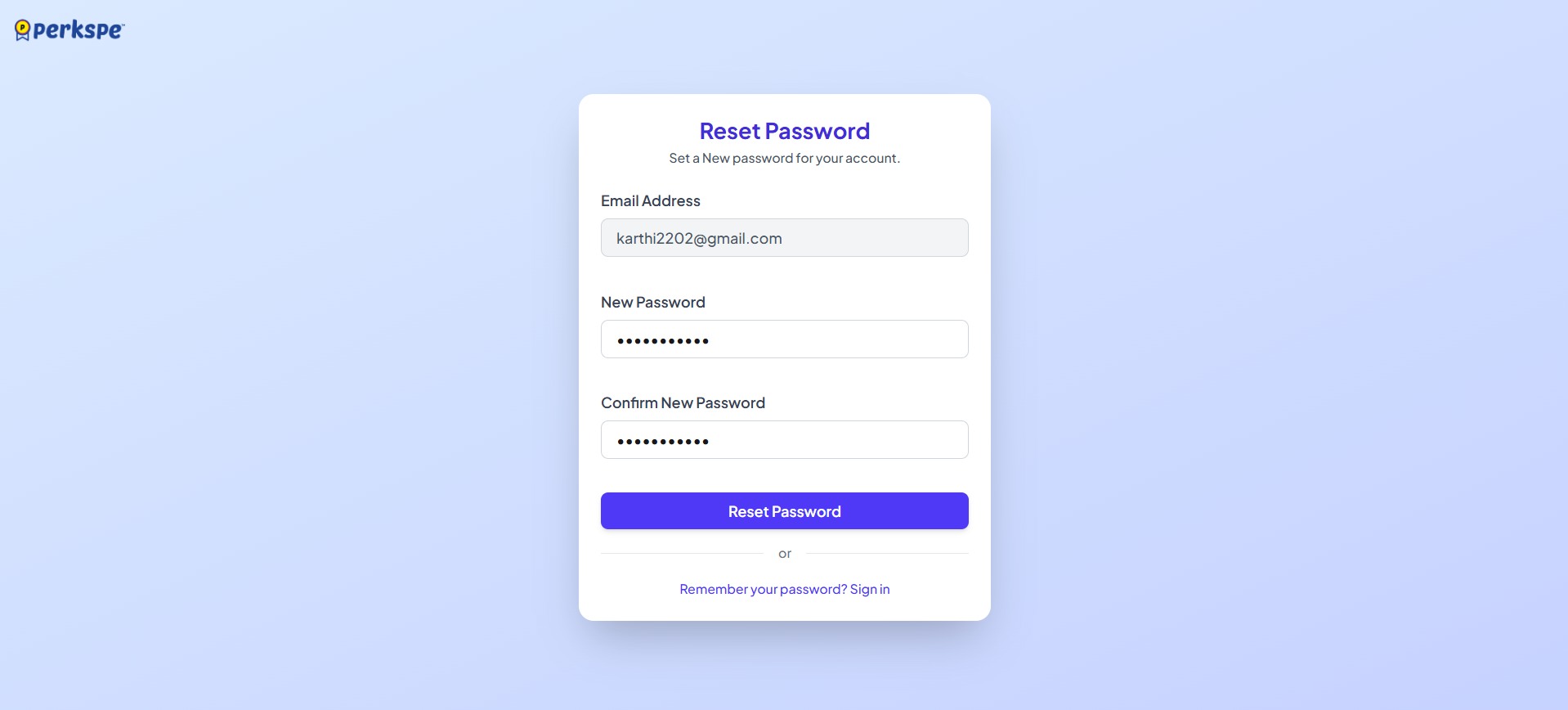
- Your email address will be pre-filled.
The new Password must meet the following requirements:
a. At least 8 characters
-
Upper & lowercase letters
-
At least one number
-
Atleast one Special character
-
The interface includes a Password strength indicator to help you create a strong Password.
-
Enter your new password in the "New Password" field and confirm it in the "Confirm new password" field.
-
Click the "Reset Password" button to finalize the change.
-
After reseting the password, you will be redirected to login page.